Remove the background from a video
A person kept, the room behind them replaced, without a green screen and without the video leaving your device.
Drop files here
or click to choose from your deviceAccepted: MP4, M4V, MOV
One file per runUp to 150 MB per file5 runs per dayRemove limits with Pro✓ Works offline
Your files stay on your device
This tool runs entirely in your browser. Nothing is uploaded, nothing is stored, and you can even turn off your internet connection before you start.
Example
A tutor’s 45-second welcome video from home, the room behind her blurred
An online tutor records a short welcome clip for her course page on a phone propped on the desk: welcome.mp4, 1280 × 720, 45 seconds. She sits facing the camera, a window and a bookshelf behind her. Setting: “The room, blurred”.
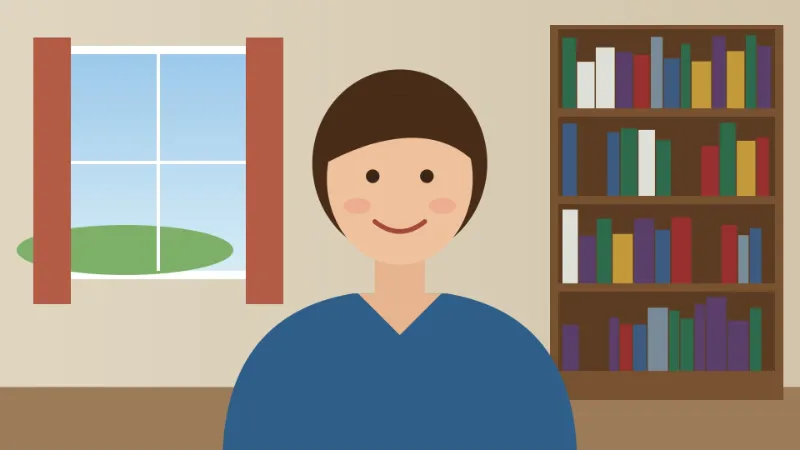
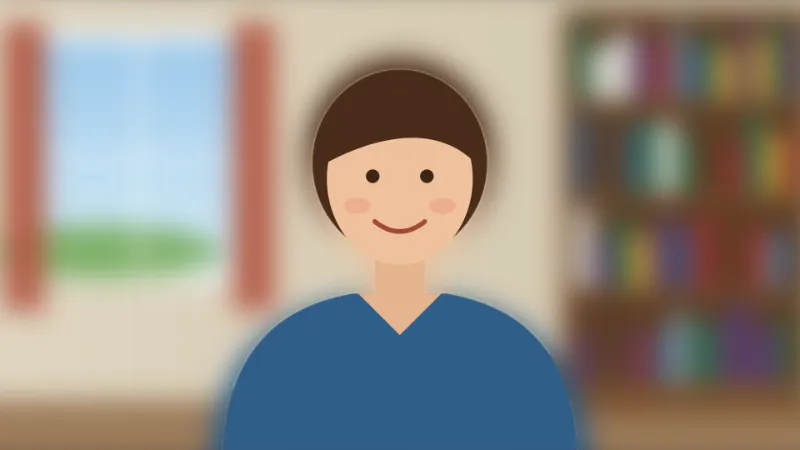
- The first time, the matting model (about 13 MB) downloads. Each frame is then shrunk to 448 × 256 for the model to find her, and the matte is stretched back over the full 1280 × 720 frame.
- The room stays but is blurred by 3 % of the short side: 22 pixels on a 720-pixel-high video, 32 on 1080p.
- She is laid back over it, sharp, frame by frame, and her phone’s AAC sound is copied across untouched.
- If the room is too personal even blurred, choose White or Blue; for a new backdrop in an editor, choose Green (#00B140) and key it out there.
| Clip | Rough time to process (about ten times its length) |
|---|---|
| 15 seconds | about 2½ minutes |
| 45 seconds | about 7½ minutes |
| 2 minutes | about 20 minutes |
| 5 minutes | about 50 minutes: trim it first |
welcome-blurred.mp4, still 1280 × 720 with the original sound: she stays sharp while the shelf and window turn soft, as on a video call. A solid colour gives welcome-no-background.mp4 instead. An older computer takes longer than the table says.
How it works
- Add a video with a person in it. MP4 and MOV are read (WebM and MKV are not); the sound is copied across untouched. That holds for AAC sound, which phones record; another kind (PCM in a camera MOV) is left out, and the result says so.
- Choose what goes behind them. Blurring the room is the video-call look; green is what to pick if you will key it out in an editor.
- Press Remove background. The matting model (about 13 MB) downloads once the first time; after that it starts straight away.
- Download the MP4. Your original file is left as it is.
Frequently asked questions
- Do I need a green screen?
- No — that is the point of it. The model finds the person in each frame and separates them from whatever is actually behind them, so an ordinary room works. A real green screen still gives a cleaner edge, especially around hair, because it gives the separation nothing to guess at.
- Why can I not get a transparent background?
- MP4 video carries no transparency. There is nowhere in the file to put it, so the person has to be composited onto something: a colour or the blurred room. If you need a true cut-out for an editor, choose green and key it out there, which is what the shade offered here is meant for.
- Does it work on things that are not people?
- Not well. This runs the portrait matting model, which is trained on people and returns very little on a product, a pet or a plant. For those, take a still and use Remove image background, which picks a different model when it sees no face.
- How long does it take?
- Expect roughly ten times the length of the clip: two seconds of a small video took about eighteen seconds on the machine this was measured on. Every frame is decoded, read by the model and encoded again, and the reading is done on one thread of WebAssembly because a page that loads nothing from anywhere else cannot have more. Trim to the part you need first.
- Does it work on a vertical phone video?
- Yes. A 1080 × 1920 clip is read by the model at 256 × 448 and comes back at 1080 × 1920, the room blurred by 32 pixels, the same as a landscape 1080p clip.
- How large a video can I use for free?
- Up to 150 MB per file on the free plan, roughly a minute of 1080p phone video and more at 720p, with 5 runs a day. MP4 and MOV are read.
- Is my video uploaded?
- No. The model is fetched into your browser and every frame is read on your own device. That matters more here than on most tools: what people put through a background remover is usually their own face in their own home.