Image to SVG
A picture traced into outlines that stay sharp at any size.
Drop files here
or click to choose from your deviceAccepted: PNG, JPG, JPEG, WEBP, GIF, BMP
Up to 3 files per runUp to 20 MB per file5 runs per dayRemove limits with Pro✓ Works offline
Your files stay on your device
This tool runs entirely in your browser. Nothing is uploaded, nothing is stored, and you can even turn off your internet connection before you start.
Example
Example: a rowing club’s 1000 × 1000 JPG badge traced into a one-colour SVG
rowing-club.jpg is the club’s only copy of its badge, black on white, 1000 × 1000 pixels: a ring with ROWING CLUB · EST. 1926 round it, a shield with a white star and the letters ROC, and two crossed oars. It has to go on a banner and be cut in vinyl for the boat trailer.
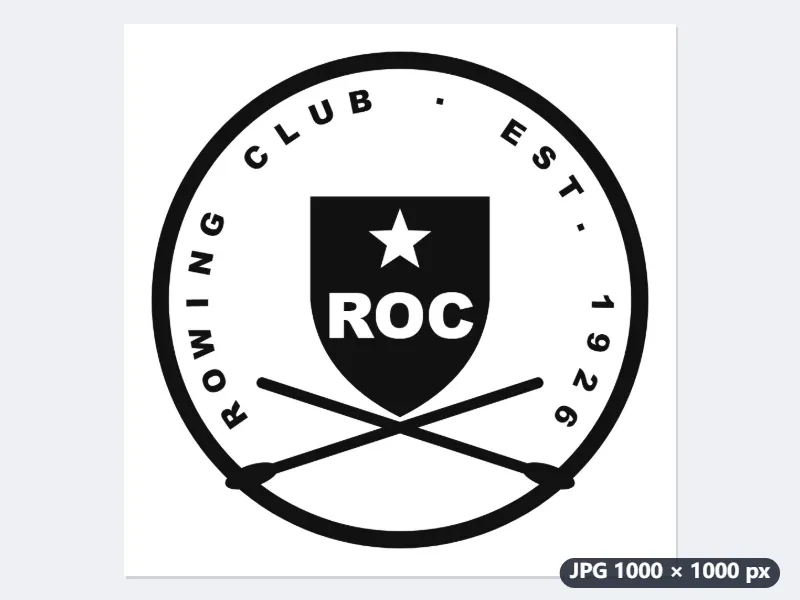
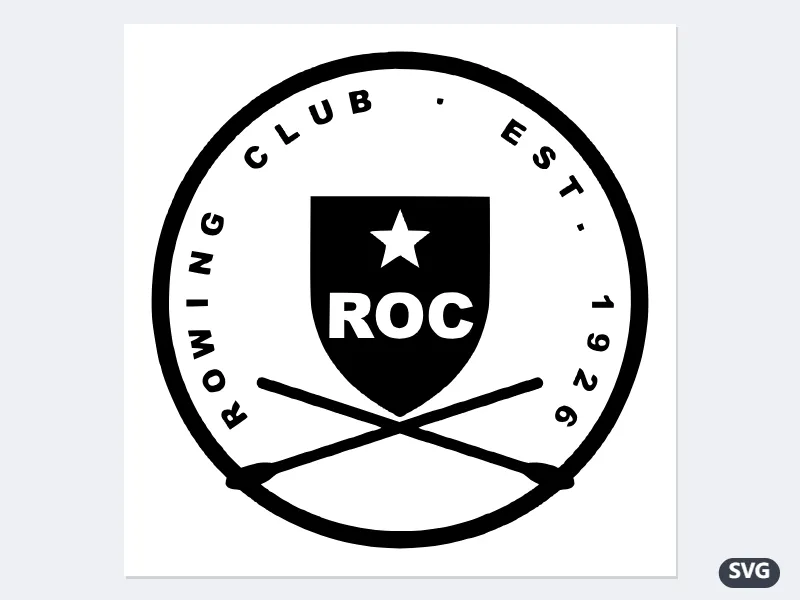
- Keep “One colour — line art, logos, signatures”, the outline in Black, Detail “High” and “Round the corners into curves” on.
- The picture is under 1400 pixels, so it is traced at its own size; a threshold worked out from its own greys puts the ink on one side and the paper on the other.
- The white star and the letters ROC become holes in the black shield, and the O, R and 6 keep their holes, so a cutter leaves them open.
- Download rowing-club.svg and open it in Inkscape or the cutting machine’s software.
An SVG of black shapes only, with the white left out, so it sits on any background and scales from a sticker to a six-foot banner without stair-steps. For a badge in colour, choose several colours instead and set the background to “Leave it out”.
How it works
- Add a picture — PNG, JPG, WebP, GIF or BMP.
- Choose one colour for a logo, a drawing or a scanned signature; several for artwork with flat areas of colour.
- Adjust the detail if the outline is either too jagged or too rounded.
- Download the SVG and open it in Illustrator, Inkscape, Figma or a cutting machine’s software.
Frequently asked questions
- What does it do well?
- Line art: logos, drawings, signatures, stamps, stencils and anything destined for a vinyl cutter. Those are flat shapes with clear edges, which is exactly what tracing finds.
- Can it vectorize a photograph?
- It will, and the result is a poster-like picture of flat colours rather than a faithful copy. That is a look, and a good one for a print; it is not a way of making a photograph resolution-independent.
- The outline looks like a staircase. What should I change?
- Leave “round the corners into curves” on and raise the detail number a little: 2 or 3 thins out the steps. A small picture traces coarsely — 600 pixels across or more gives a much cleaner outline.
- How do I get a transparent background?
- In the several-colour tracing, set the background to “leave it out”. The commonest colour is then not drawn, so whatever is behind the SVG shows through.
- Why is the SVG the same size as my picture?
- Pictures up to 1400 pixels on the longer side are traced at their own size; larger ones are scaled to 1400 first. That only sets the SVG’s starting size: it is drawn from outlines, so it prints sharp at any size.
- Is my picture uploaded?
- No. The tracing runs in your browser, and the picture never leaves your device.